
Common Issues
- Shop photo does not upload or shows a broken image
- Updated shop name, handle, or contact info does not save
- Map pin fails to update or shows the wrong location
- Error occurs when saving the new address details
The Shop Details section lets sellers keep their business information up to date. This includes changes to the shop’s name, branding, contact details, and address—especially after a rebrand or relocation.
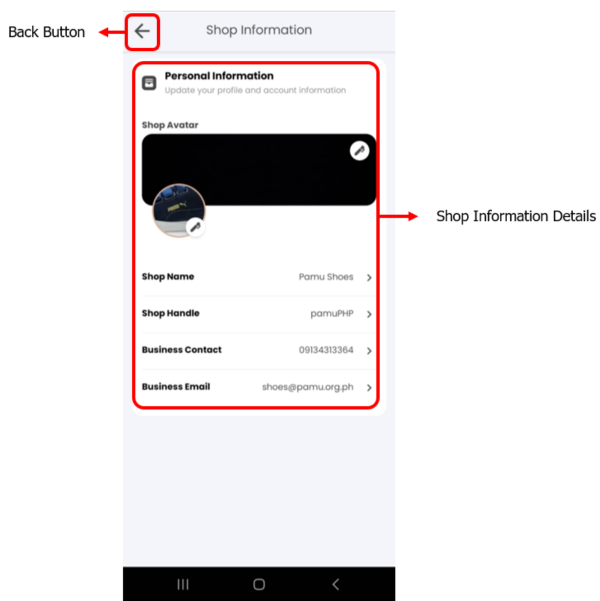
This tab contains essential business details, including the shop name, profile photo, and contact information.
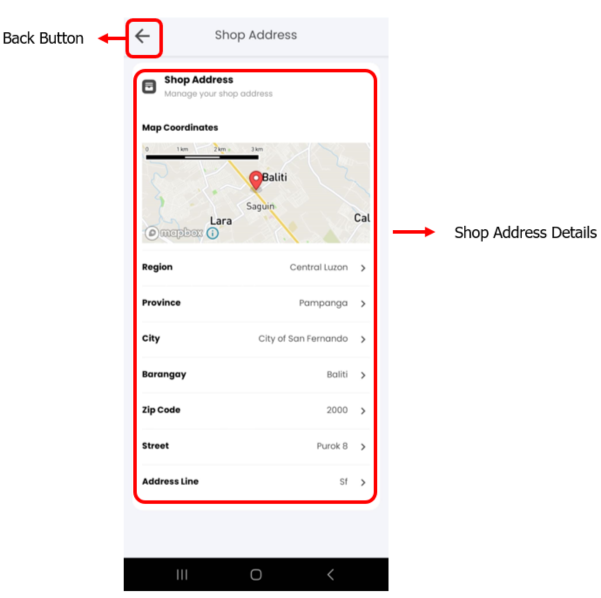
This tab is where sellers update their physical address and map pin for deliveries or pickups.
Common Issues
Get Support
Still need help? Our support team is ready to assist you: